MiniMax H3
One model for every modality. Combine text, images, video, and audio in a single context to generate 2K video with native stereo audio, up to 15 seconds.
- 4.9/5 from 32K+ creators
- 1.2M+ clips generated
- Free — no account needed
Free and anonymous. Protected by Cloudflare Turnstile — no account, no card.
One Context. Every Modality. Precise Control Throughout.
Text, Images, Video, and Audio in One Context
Pass up to 9 images, 3 video clips, and 3 audio tracks together in a single generation. It reads identity, performance, camera movement, composition, soundscape, and editing rhythm from whatever you give it, then carries all of it through to one coherent result.
Change One Thing, Keep Everything Else
Swap a product, rewrite signage, replace a line of dialogue, relight a scene from day to night, or add and remove objects. Localized edits land where you asked for them while the rest of the shot stays stable, so you can keep iterating on footage you already like.
Typography, UI, and Graphics That Hold Together
H3 renders legible type, credits, subtitles, and brand marks, and it animates real interface work: product landing pages, game menus and HUDs, motion posters, and dynamic typography. Prompts run up to 7,000 characters, so a full shot list stays in one request.
Sound Composed to Picture
Every generation returns native stereo audio: original score, dialogue, foley, and room tone timed to the cut. Give MiniMax H3 a reference recording and it will transfer or clone that voice onto your character while keeping the performance intact.
Generate, reference, and edit
Create videos from text, control the first and last frame, combine images, video, and audio as references, or edit existing footage with natural language.
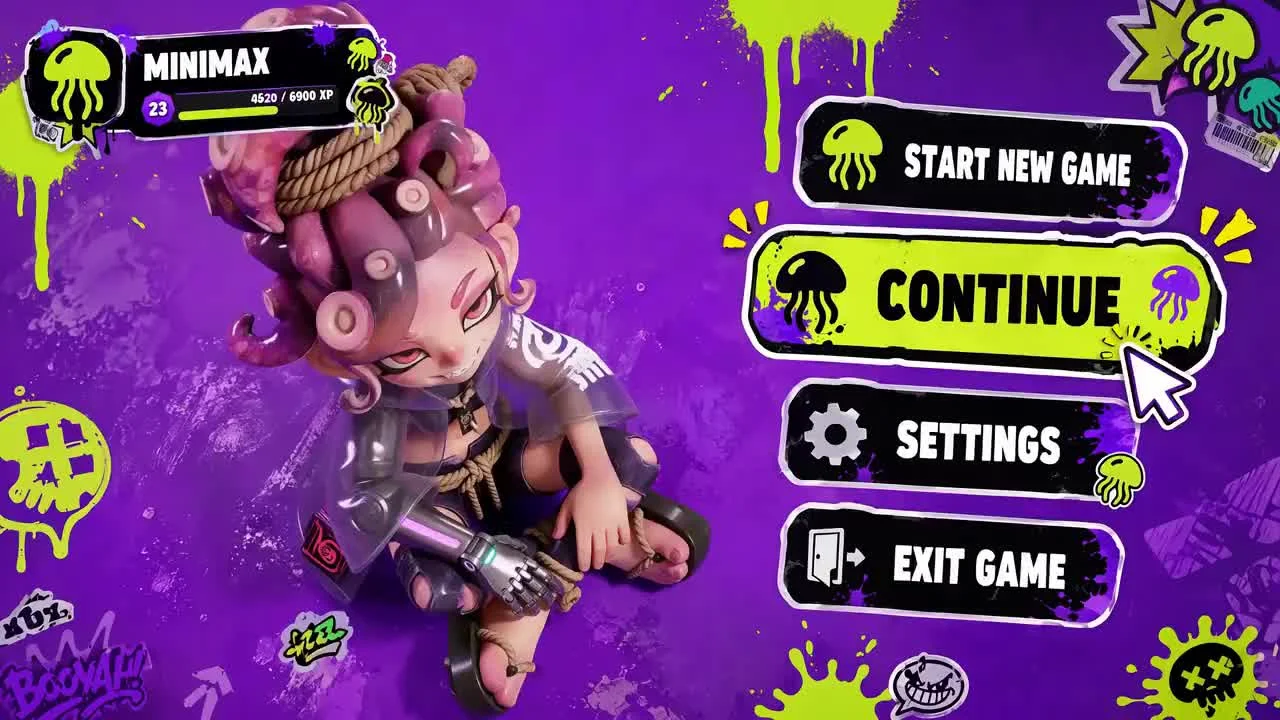
Text to Video
Generates video from a text prompt alone, rendering at 2K in durations from 5 to 15 seconds across seven aspect ratios.
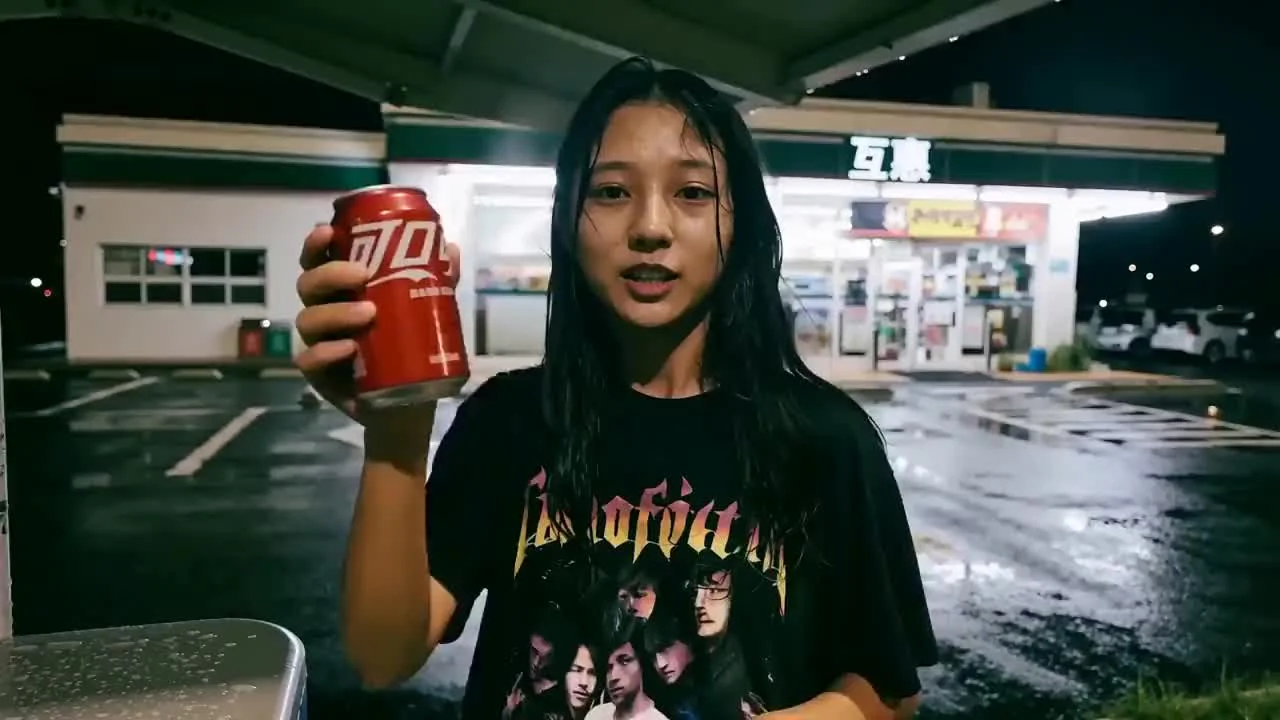
First and Last Frame
Animates a supplied image into 2K video, using it as the opening frame, or pairs a first and last frame to control a transition between two images.
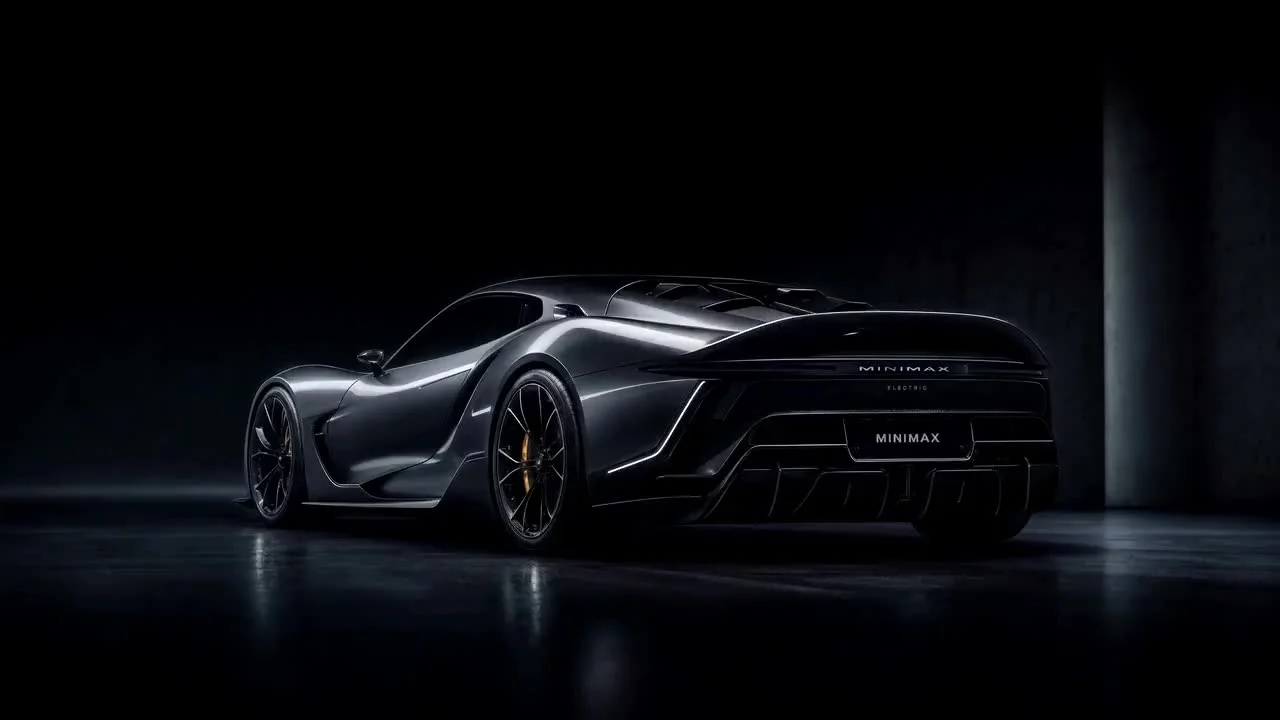
Reference to Video
Generates 2K video from multimodal references: up to 9 images for subject and style, 3 video clips for motion, and 3 audio clips.
How it works
Describe the shot in plain language, attach whatever reference material you already have, and check the opening frame before committing to the full render. Reviewing a still first is the cheapest way to catch a framing or lighting problem, because fixing it costs one more sentence rather than a second clip.
- 1
Describe the shot
Enter up to 7,000 characters describing the subject, camera, lighting, soundscape, and editing rhythm.
- 2
Add references
Pass up to 9 images, 3 video clips, and 3 audio tracks to set the style, identity, and motion exactly how you want it.
- 3
Generate opening frame
Review the generated opening frame to ensure the composition and lighting match your vision perfectly.
- 4
Animate to 2K with stereo audio
Confirm the generation and watch the scene come to life in 2K resolution with synchronized native audio.
What creators are building with MiniMax H3
Brand films, character work, stylized animation, gameplay, and video editing, all from the same model.
Vintage Binocular Brand Film
Fantasy Wuxia Character Film
Live-Action to Voxel Transformation
Neon Laundromat Encounter
Capybara Motion Recreation
Green-Screen Fairytale Composite
The numbers behind every generation
Output is 2K by default, which puts 1440 pixels on the short edge for ratios between 16:9 and 9:16 and reaches roughly 3.7 megapixels on wider formats — 2976x1248 at 21:9. Clips run 5 to 15 seconds at 24 frames per second, and every one of them comes back with a synchronized stereo mix rather than a silent picture you have to score afterwards.
- Resolution (2976x1248)
- 2KResolution (2976x1248)
- Duration at 24 FPS
- 5–15sDuration at 24 FPS
- Stereo Audio
- NativeStereo Audio
- Max References
- 12Max References
- Aspect Ratios
- 7Aspect Ratios
- Image Refs
- 9Image Refs
- Character Prompts
- 7,000Character Prompts
- Open Weights
- YesOpen Weights
How MiniMax H3 compares
| Feature | MiniMax H3 | Sora 2 | Veo 3.1 | Kling 3 | Hailuo 02 |
|---|---|---|---|---|---|
| Resolution | 2K (2976x1248) | 1080p | 1080p | 1080p | 720p |
| Duration | 5–15s | Up to 60s | 5s | 5–10s | 5s |
| Native Audio | Yes (Stereo) | No | No | No | No |
| Reference Budget | 12 files (9 img, 3 vid, 3 aud) | 1 image | 1 image | 1 image | 1 image |
| Open Weights | Yes | No | No | No | No |
The gap that matters is not raw resolution — several of these models reach a comparable pixel count. It is that the rivals treat text-to-video, image-to-video, motion reference and audio as separate endpoints, so a shot that needs three of them needs three round trips and a compositor to reconcile the results. Passing a single unified context, and getting a scored stereo mix back with the picture, is what removes that step.
Built for every workflow
Because one model covers text, images, video and audio, the same workflow carries a campaign from storyboard to finished cut without handing files between four specialised tools. Pick the surface you are producing for and the reference budget, aspect ratio and audio treatment follow from it.
Advertising
Rapid iterations and variant generation for campaigns.
E-commerce
Dynamic product showcases with precise identity control.
Film Titles
Cinematic text rendering integrated with footage.
Animated Poster
Bring key art to life with matched typography.
Game Cinematics
High-fidelity 2K cutscenes using game assets.
UI/UX Motion
Animate interface mockups natively.
Music Video
Audio-reactive generation with native lip-sync.
Social Ads
Vertical 9:16 optimized engaging content.
Trusted by leading creators
MiniMax H3 completely changed our post pipeline. Having one context that understands video references alongside audio saves us days of manual composite work.
The native stereo audio generation is indistinguishable from magic. It does not just make sound, it understands the physical space of the shot we prompt.
Finally, a model that renders typography cleanly. We use the UI/UX motion capability to prototype entire app flows directly from Figma frames.
Common questions about MiniMax H3
MiniMax H3 is an open-weights, general-purpose multimodal video model. Instead of a separate model for each task, MiniMax H3 reads text, images, video, and audio in one unified context and generates coherent audiovisual results from any mix of them. It supports text-to-video, first-and-last-frame, reference-to-video, and precise video editing.
MiniMax H3 is released with open weights, so it is an open foundation you can explore, customize, and build on rather than a closed endpoint. It allows you to run the model on your own hardware or partner platforms, ensuring transparency and flexibility for your research and fine-tuning.
MiniMax H3 generates 5 to 15 seconds at 24 FPS. Output is 2K, which puts 1440 pixels on the short edge for ratios between 16:9 and 9:16 and reaches roughly 3.7 megapixels on wider formats, for example 2976x1248 at 21:9. It supports 7 aspect ratios plus an adaptive mode.
Reference-to-video accepts up to 9 reference images, up to 3 reference video clips (15 seconds total), and up to 3 reference audio tracks (15 seconds total), with a maximum of 12 files in total.
Yes. Every generation includes native stereo audio, covering original score, dialogue, foley, and ambience timed to the picture. It can also transfer or clone a voice from a reference recording onto a character.
Generations typically take around 100 seconds to produce a full 15-second 2K clip with audio, leveraging a highly optimized serverless infrastructure.
Yes. Content generated is cleared for commercial use under the standard licensing terms that ship with the open weights.
You can start right now by using the prompt editor at the top of this page. No account or credit card is required to try your first generation: the first step renders the opening frame of your shot, and from there you can queue the full clip.
Ready to generate 2K video?
Experience the unified context, native audio, and open-weights freedom of MiniMax H3 today.
Try Free